/examples/upload/
Upload
Open this page on the live examples/examples/upload
What it shows
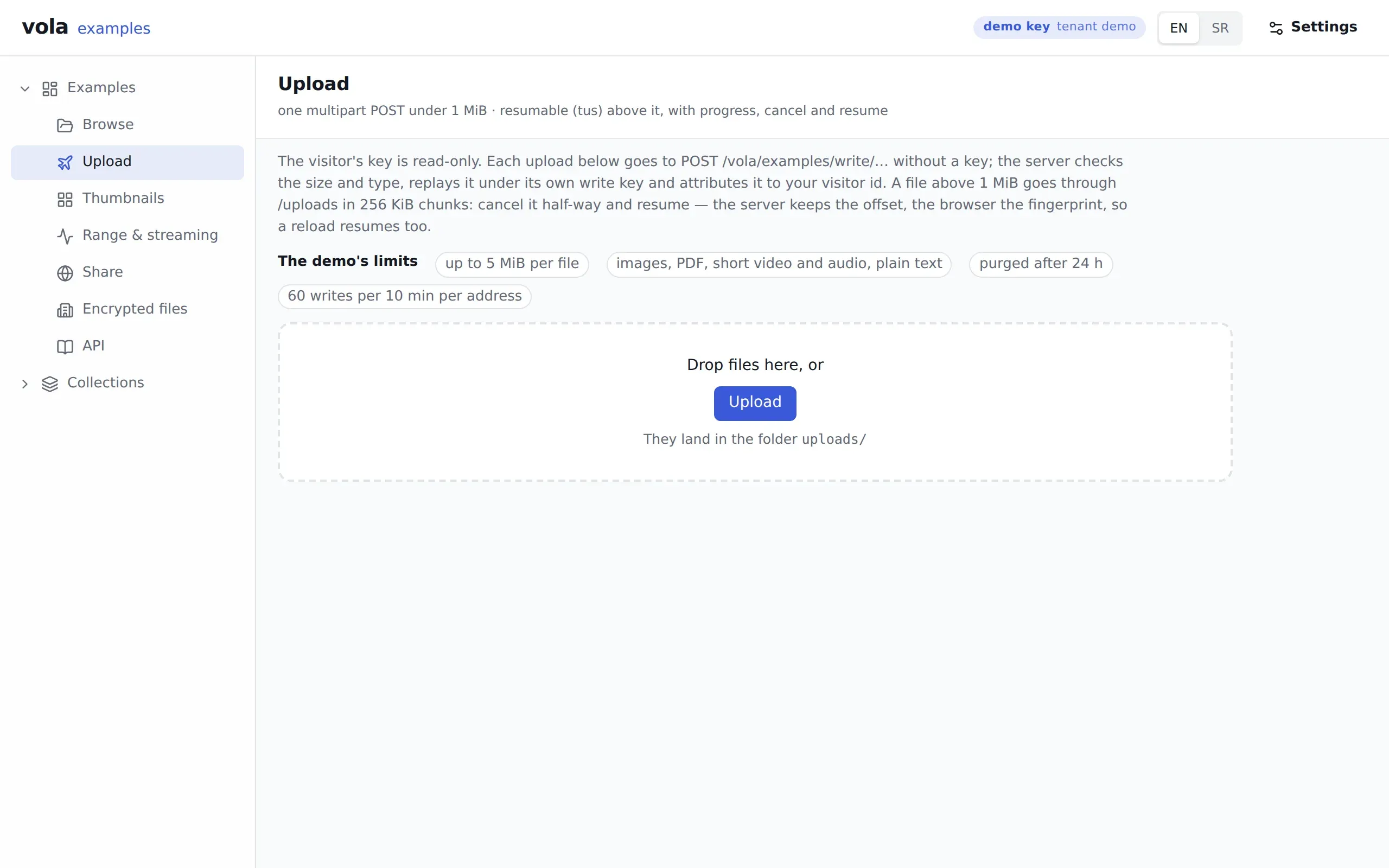
Section titled “What it shows”The two ways bytes reach vola, chosen by size. A file under 1 MiB is one multipart POST. A file above it goes through the resumable protocol in 256 KiB chunks, with a progress bar. The site sets those numbers so the resumable path has room under the demo’s cap. @vol-a/react’s own threshold is 8 MiB.
Files land in the uploads folder. The demo’s limits are listed on the page: 5 MiB per file, a list of allowed types, a purge after 24 hours and 60 writes per address per ten minutes. Uploads and processing explains what happens after the bytes arrive.
What to try
Section titled “What to try”- Drop a small image, then follow the link to Browse to see it.
- Upload a file of 2 to 5 MiB, cancel it halfway, and resume. The server keeps the offset and the browser keeps a fingerprint, so a page reload resumes too.
- Upload a file over 5 MiB (
413) or of a type not on the list (415).
Routes
Section titled “Routes”| Route | What for |
|---|---|
POST /vola/examples/write/files/:type/:id |
The multipart upload, replayed against POST /vola/files/:type/:id |
POST /vola/examples/write/uploads |
Creating a resumable upload |
HEAD, PATCH, DELETE on /vola/examples/write/uploads/:id |
Checking, sending and cancelling it |
@vol-a/react pieces
Section titled “@vol-a/react pieces”useVolaUpload holds the upload state, VolaUploadButton picks the files, and VolaUploadList draws progress, cancel and resume. The drop zone around them is the page’s own.
v1.1.1released built 519e3dc