/examples/encrypted/
Encrypted files
Open this page on the live examples/examples/encrypted
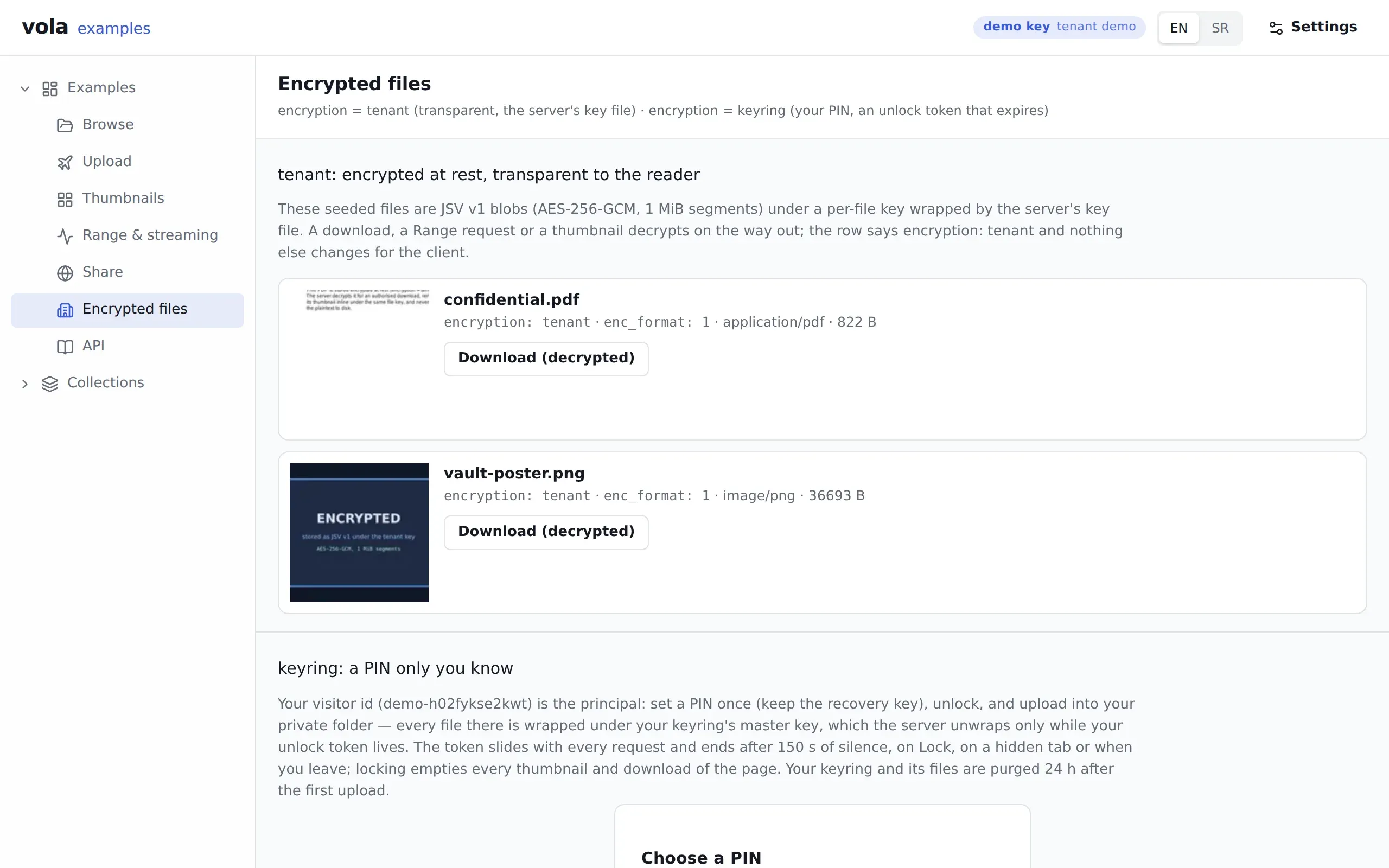
What it shows
Section titled “What it shows”Two of the four encryption modes, one above the other.
tenant is on two seeded files, vault-poster.png and confidential.pdf. On disk they are JSV blobs under a per-file key that the server’s key file wraps. A thumbnail or a download decrypts on the way out, so nothing changes for the client except that the row says encryption: tenant.
keyring is on a private folder, private/<your visitor id>, behind a PIN. Your visitor id is the owner. Every file you upload there is wrapped under your keyring’s master key, which the server can open only while your unlock token lives.
What to try
Section titled “What to try”- Download
confidential.pdfwith Download (decrypted). - Choose a 6-digit PIN and keep the recovery key, which is shown once. A trivial PIN such as
123456is refused. - Unlock, upload a file into the private folder, and watch the countdown. The token ends after 150 seconds of silence.
- Press Lock. The view empties, and every thumbnail and download of the page goes with it.
- Enter a wrong PIN three times in a row. The third adds a wait.
- Lock, then open Browse. Your private files show in the list as
<encrypted>, because the request cannot open them.
Routes
Section titled “Routes”| Route | What for |
|---|---|
GET /vola/files/:type/:id/:fileId, …/thumb/:size |
Reading a tenant file, like any other |
GET /vola/examples/write/keyrings/me/status |
Whether a keyring exists and how long the token has left |
POST /vola/examples/write/keyrings/me |
Setting the PIN |
POST /vola/examples/write/keyrings/me/unlock |
Exchanging the PIN for a token, sent as X-Vola-Unlock |
DELETE /vola/examples/write/keyrings/me/unlock |
Locking |
POST /vola/examples/write/folders/:type/:id/*path |
Making the private folder |
The proxy replays the keyring routes against /vola/keyrings/me/…. The page reports it when a server has no key file, Redis or pepper file.
@vol-a/react pieces
Section titled “@vol-a/react pieces”VolaPinGate covers setup, unlock, recovery and reset. VolaKeyringStatus and useVolaKeyring show the state and feed the countdown. VolaFileBrowser with encryption="keyring" draws the private folder, and VolaThumb draws the tenant files.
v1.1.1released built 519e3dc