/examples/streaming/
Range & streaming
Open this page on the live examples/examples/streaming
What it shows
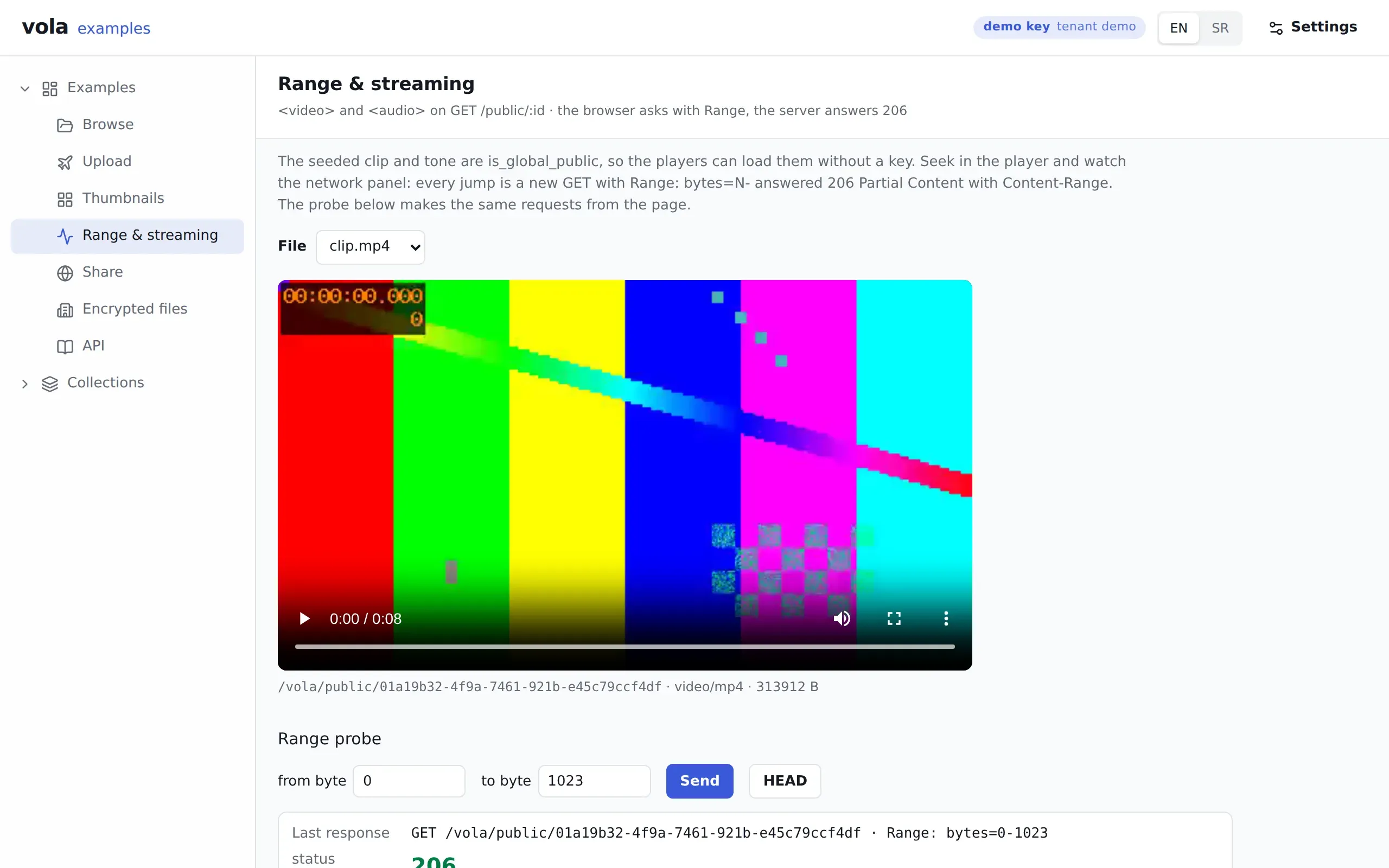
Section titled “What it shows”Plain <video> and <audio> elements pointed at vola’s URLs. The browser seeks with Range, and vola answers 206 Partial Content. There is no player library and no streaming server involved.
The seeded clip.mp4 and tone.mp3 are is_global_public, so the elements load them from /vola/public/:id with no key.
Below the player, a probe makes the same request from the page and shows what came back: the status, Content-Range, Accept-Ranges, Content-Length, Content-Type, ETag, Cache-Control and the bytes received. It runs once by itself with bytes=0-1023, so the page shows a 206 before you touch anything.
What to try
Section titled “What to try”- Seek in the player with your browser’s network panel open. Each jump is a new
GETwith aRangeheader, answered206. - Change the byte range in the probe and press Send.
- Ask for a range past the end of the file. The answer is
416. - Press HEAD to see the same headers with no body.
- Copy the
curlcommand the page shows and run it yourself.
Routes
Section titled “Routes”| Route | What for |
|---|---|
GET /vola/public/:fileId |
The media and the probe, without a key |
HEAD /vola/public/:fileId |
The probe’s HEAD button |
GET /vola/files/:type/:id |
The list behind the file picker |
The authenticated download route, GET /vola/files/:type/:id/:fileId, follows the same Range rules. On an encrypted file they work in plaintext coordinates. The API reference has the details.
@vol-a/react pieces
Section titled “@vol-a/react pieces”Almost none, and that is the point: the players are ordinary HTML elements with a URL. The page uses useVola to get the client, whose files.publicUrl() builds that URL, and useFilesLive to keep the file list current.
v1.1.1released built 519e3dc